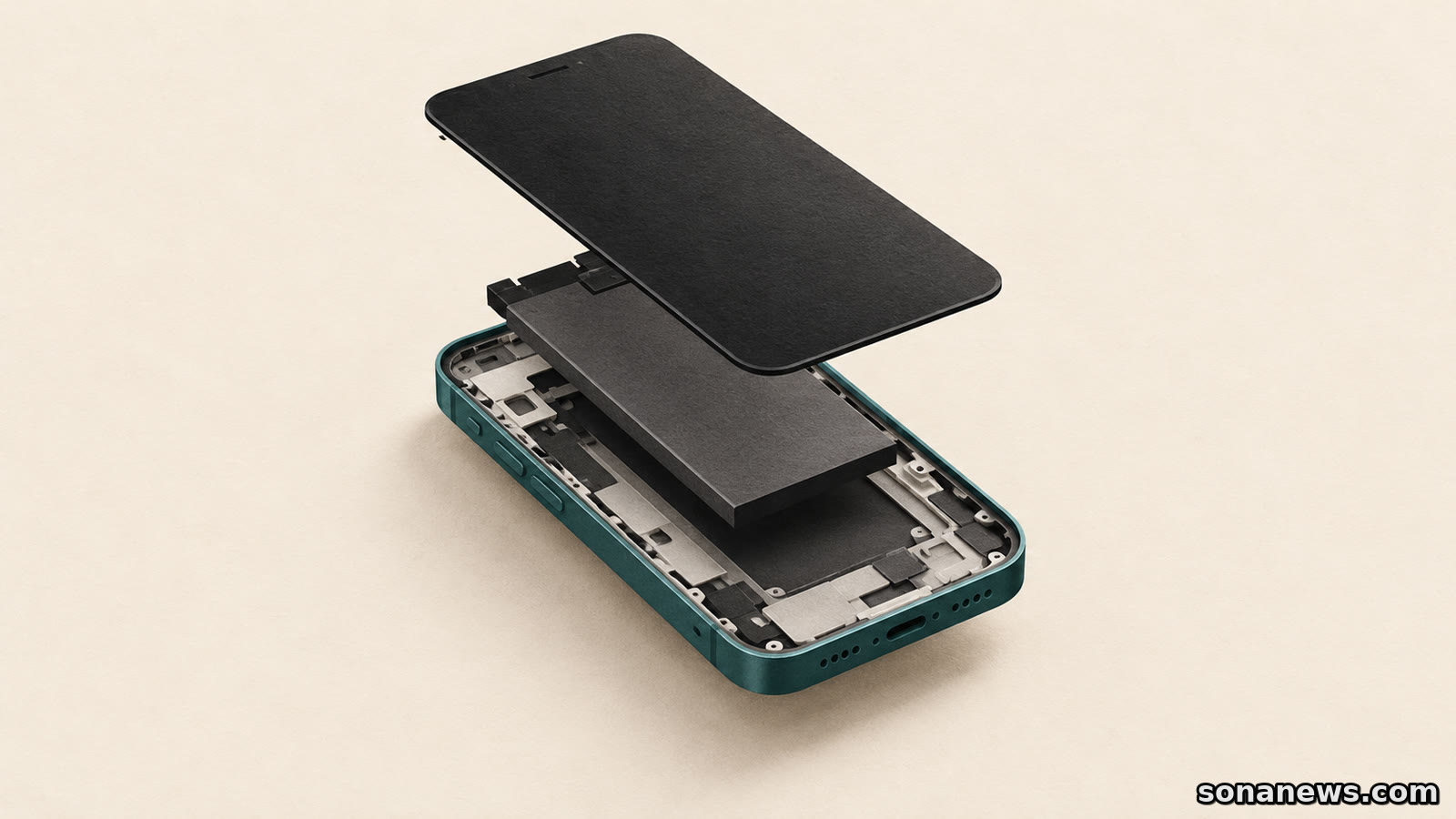
Deleting an eSIM does not cancel your mobile plan
Removing a mobile line from your phone and ending service with a carrier are separate jobs. The distinction matters when you switch phones, sell one or troubleshoot a connection.
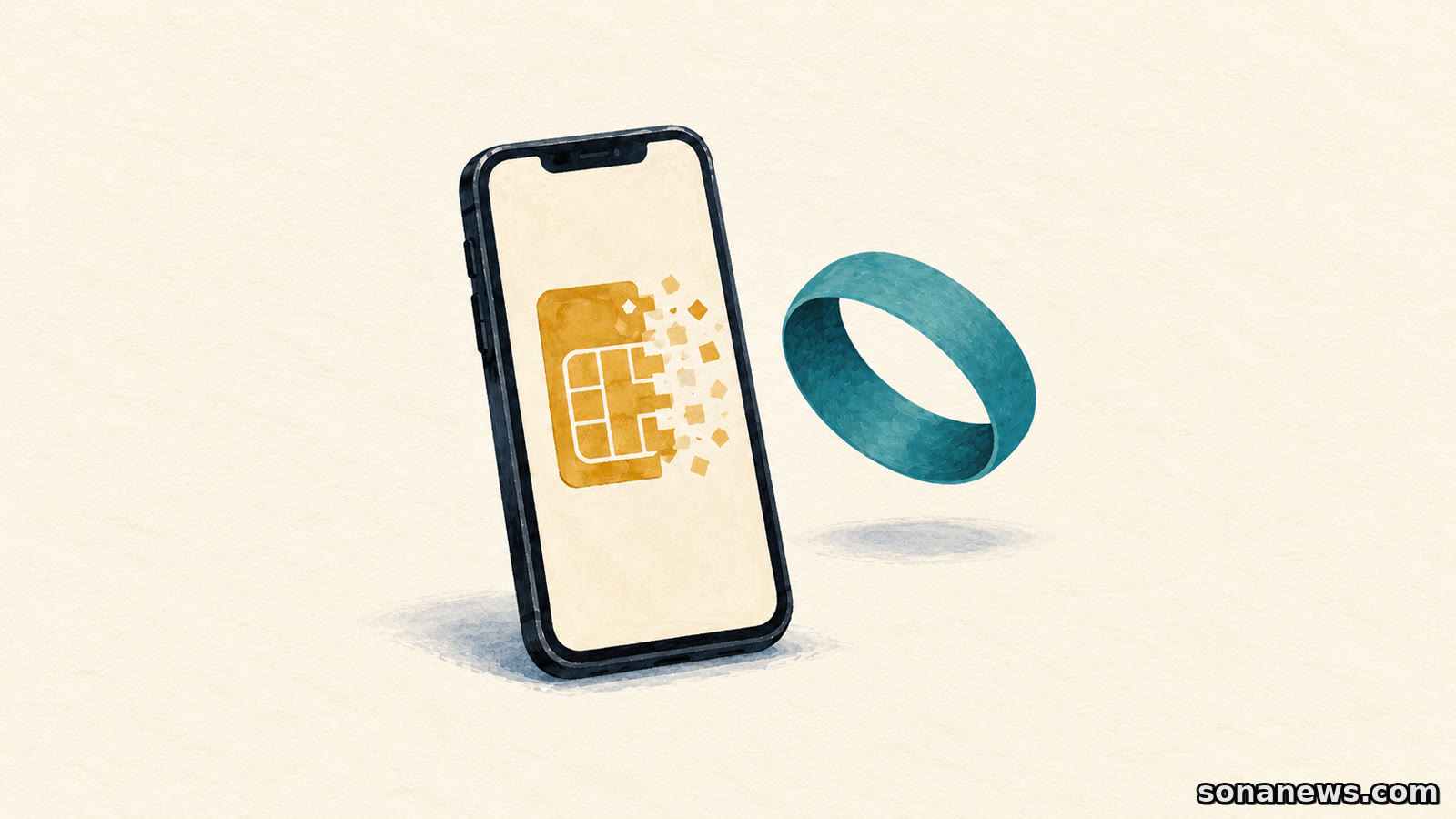

A mobile plan can disappear from your phone's settings without disappearing from your carrier account. Deleting an eSIM removes the profile from the device. It is not a request to cancel the service behind it.
That distinction is explicit in Apple's eSIM removal guidance and in US carrier instructions from Verizon and AT&T. Apple directs customers who want to cancel a plan to their carrier. AT&T says deleting an eSIM removes the associated plan from the phone, but does not cancel it. Verizon gives the same warning for supported Samsung devices.
This is an explanation of existing device controls, not a newly announced rule. The useful question is what you want to change: the phone that uses your number, a profile stored on an old handset, or the service you pay for. Each has a different process, and a button in the phone's settings does not do all three.
An eSIM lets a compatible phone activate a mobile plan digitally, without inserting a physical SIM card. In everyday use, the phone may describe the stored connection as a plan or line. That convenient wording can obscure the distinction between the device configuration and the carrier's service record.
Removing that configuration does not tell the provider that you want to end the account or line. Do not treat a missing entry in settings as confirmation that billing has stopped. Whether charges, notice periods or other conditions apply is a question for the particular provider and plan, not something the delete button establishes.
If ending service is the aim, use the carrier's cancellation process and check its confirmation. If keeping the number while changing provider is the aim, ask about the number-transfer process before cancelling anything. This article does not set out country-specific switching rights or promise that one provider's procedure works elsewhere.
Moving an existing number to a new handset is not the same task as deleting it from the old one. Apple offers several activation routes, depending on carrier support: Quick Transfer between supported iPhones, carrier activation, a QR code, an app or other methods supplied by the provider.
With a carrier that supports eSIM Quick Transfer, Apple's instructions allow the SIM to move from the previous iPhone without contacting the carrier. Its current checklist includes being signed into both devices with the same Apple Account, keeping the phones nearby with Bluetooth enabled, and unlocking the previous phone. Software requirements also apply, so consult the current instructions for the devices involved.
The important sequence is activation, not premature deletion. Apple says that when the cellular plan activates on the new iPhone, the previous SIM is deactivated. Follow the supported transfer route and confirm the new handset works before treating the old profile as redundant. Deleting first is not a universal shortcut to moving the number.
Cross-platform transfers need particular care. Apple says some carriers and selected manufacturers support transfers between Android and iPhone with iOS 26 or later. That is not a promise that any two eSIM phones can exchange a line directly. Where the supported route is unclear, the carrier needs to identify how the replacement profile will be issued or activated.
Apple recommends erasing the eSIM when a device is being sold, traded in or given away, and after its plan or phone number has been transferred elsewhere. That is about removing the old device's profile, not cancelling a service you may still want to use.
A full device erase introduces another choice. Apple's guidance says that when erasing content and settings, you can choose to keep the eSIM or erase it. Do not assume that a general reset and eSIM removal are always the same operation. Read the options presented for the particular device and follow its handover guidance.
On a phone holding several plans, identify the intended line before removing anything. Apple's instructions distinguish single-plan and multiple-plan devices. The carrier's name or a familiar label can help you locate the right entry, but neither is evidence that a transfer or cancellation has completed.
Menu wording is not universal. Verizon's Samsung guide routes removal through Settings, Connections and SIM manager; Apple's route starts under Cellular. These are examples for the devices covered by those guides, not a single Android-and-iPhone checklist.
Apple specifically warns against erasing an eSIM as a troubleshooting step unless the carrier directs it. Its removal guide says a new eSIM will then require carrier contact. Verizon similarly says customers who remove a profile from the Samsung devices in its guide need to contact it to have a new profile reserved.
That makes casual deletion a poor first experiment when a line will not activate. You can turn a connection problem into a replacement-profile task without addressing the original fault.
Apple's separate activation troubleshooting guide starts with less disruptive checks: toggling Airplane Mode, checking whether the number appears under Cellular, turning the line off and on if it does, and restarting the device. It also covers carrier-settings updates and contacting the carrier if setup still fails. Follow the current support instructions rather than assuming an old activation code can always be reused.
Before choosing a removal command, write down the outcome you need in plain language. “Use this number on my new phone” points to transfer and activation. “Remove my line from the phone I am handing over” points to device cleanup. “Stop this service” points to the provider's account process. The screen may make those jobs look similar. The result you need is what separates them.
Editorial note. General technology information, not legal or contract advice. Use your provider's current transfer or cancellation instructions and confirmation. Do not share account PINs or eSIM activation codes publicly.
Sources
- Apple Support, “How to erase an eSIM on your iPhone or iPad”, published 17 September 2026, retrieved 20 October 2026. Verifies removal versus carrier cancellation, handover/transfer use cases, optional eSIM retention during erasure and warning against deletion for troubleshooting. The special iPhone Handoff paragraph is not generalised into a universal billing claim
- Apple Support, “Set up eSIM on iPhone”, published 17 September 2026, retrieved 20 October 2026. Verifies digital activation, carrier-dependent methods, Quick Transfer prerequisites, old-SIM deactivation when the new plan activates and limited Android/iPhone transfer support. Promotional security/travel claims and device-model lists are not repeated
- Verizon Support, “Samsung Devices - Remove eSIM Profile”, retrieved 20 October 2026. Verifies removal is not cancellation, the Samsung SIM manager route and need to request a new profile. Explicitly treated as a US carrier/device example, not a worldwide Android guarantee
- AT&T Device Support, “Apple iPhone 16 - Removing eSIMs from your phone”, retrieved 20 October 2026. Independently corroborates that removing the device's eSIM does not cancel the plan. The article does not import its exact menu sequence into a universal guide
- Apple Support, “If you can't set up an eSIM on your iPhone”, published 23 April 2026, retrieved 20 October 2026. Verifies Airplane Mode, line toggle, restart, carrier-settings and escalation checks. No account identifier, PIN or activation code is requested from readers
Help us improve
Was this article useful?
One anonymous tap helps Sona improve future reporting, headlines and source context.
Up next
A working charging connection does not prove that a USB-C cable or port supports video. Check the display path before buying another adapter.
Continue readingMore in Tech