Buying a used iPhone? Read the parts history, not just the battery score
Apple's repair labels distinguish reused components, unfinished calibration and parts it cannot verify. None is a complete verdict on a second-hand phone.
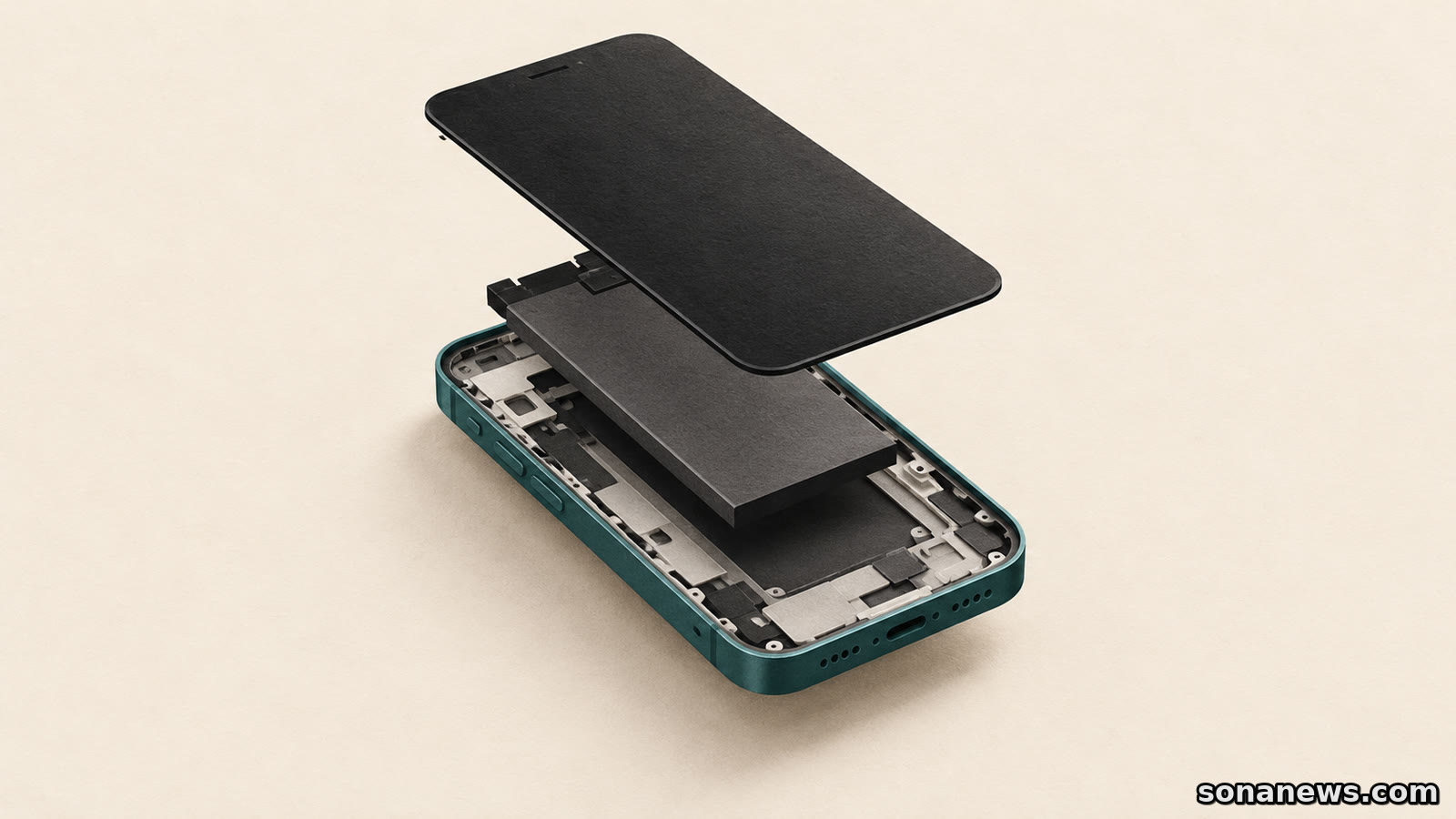

A second-hand iPhone can have a tidy case and a reassuring battery-capacity figure while leaving an important question unanswered: what has been replaced inside it? Apple's Parts and Service History offers a way to ask that question. Reading the labels correctly matters as much as finding the menu.
“Used” does not mean counterfeit. “Unknown” does not establish that a part is counterfeit either. And “Finish Repair” can mean the physical replacement is done but the software calibration is not. These distinctions are useful when comparing a seller's description with the phone in front of you, without treating a settings screen as a full inspection report.
This is an explanation of Apple's current support guidance, including its parts-support page updated in September 2026, not a claim that every iPhone has gained a new feature. The information available depends on the model, the software and the component. Sona has not independently tested individual refurbished phones or repair providers.
On iOS 15.2 or later, Apple directs users to Settings, General, then About. If the iPhone has been repaired, a Parts and Service History section can appear there. After a completed service and an internet connection, tapping a listed part can provide more information, including the service date.
The model determines how much that screen can tell you. Apple's guide lists battery, display, logic board, front camera and rear cameras for iPhone 12 models and later. For iPhone 11 models, it lists battery and display. For iPhone XR, XS, XS Max and second- and third-generation SE models, the listed coverage is the battery.
Those differences make comparisons between older phones less straightforward than a screenshot suggests. A missing entry for a component the model does not report is not evidence that the component has never been changed. There is another limitation: if a part has been serviced more than once, Apple says only the most recent service appears. This is not a complete lifetime repair ledger.
Apple describes used Apple parts as genuine components taken from an existing device of the same model. Its support guidance says a used part in good condition can achieve the performance and security of a new genuine part, while warning that prior use or modification can make quality vary. A “Used” label is therefore provenance information, not a promise of remaining life.
Compatibility is also component-specific. Apple's parts-support table sets out which used components are supported on which models. It should not be read as permission to interchange any two iPhone parts. Nor does a genuine reused component automatically carry Apple's product warranty or AppleCare coverage: Apple says used parts, and repairs performed with them, are not covered by those plans.
“Unknown” is a broader label. Apple's dedicated history guide lists several possible reasons: a nongenuine replacement, a part not functioning as expected, a part not verified and linked after repair, or one that has been modified or otherwise cannot be verified. The label warrants an explanation from the seller or repairer. It does not identify which explanation applies by itself.
“Genuine” has its own, narrower meaning: the repair used genuine Apple parts and processes. It does not certify every other component, settle the battery's present condition or describe the seller's return policy. Checking the actual functions remains a separate task.
Repair Assistant installs calibration data after a component is replaced. Apple's guidance says an update to the latest software may prompt someone to finish a previous repair if a used part was installed or calibration was not completed. That prompt does not, on its own, prove that a new physical fault has just appeared.
For a buyer, the useful question is whether the repair has been completed and the relevant functions work. Apple's documentation says Face ID or Touch ID cannot be used for biometric functions until calibration of those parts is complete. It also identifies model-specific restrictions, including camera use on iPhone 18 Pro models if the repair or required restore is not finished. A phone turning on is not sufficient evidence that everything works.
If someone else installed the part and Repair Assistant cannot finish, Apple advises contacting the point of service. The part may be protected by Activation Lock. This is not a reason for a buyer to attempt an account-lock bypass or undertake an unfamiliar hardware repair. It is an unresolved condition to put back to the seller or repairer.
An “Unverified” logic-board message is another distinct case. Apple's history guide says it appears when the board was previously used in another iPhone, and that it might affect features such as Apple Pay. It is not interchangeable with a used-display label, and an assurance that the phone makes calls does not answer that feature question.
Activation Lock on the whole phone is a separate purchase check. Apple's preowned-device guide says not to buy an iPhone with Activation Lock enabled. If a phone bought online shows “iPhone Locked to Owner”, its advice is to return it. Parts history does not replace that ownership check, and a seller's battery screenshot cannot establish that the device is ready for a new owner.
Apple's preowned buying guide recommends understanding the return policy and, where a seller certifies refurbished devices, finding out what the certification process actually inspects. It also separates checks for physical condition, battery health, carrier lock, cameras, buttons, speakers, microphone and display.
That produces a more useful conversation than asking whether the phone is simply “all original”. Which part was replaced? What does its history entry say? Is calibration complete? What does the seller cover if a listed function fails? A repair can extend a device's useful life, but the component label and the seller's obligations are different pieces of evidence.
The aim is not to reject every repaired phone or to give every genuine part a clean bill of health. It is to avoid paying for an assumption. Parts history can make a second-hand purchase more legible, provided its labels are read as specific information rather than an overall quality score.
Sources
- Apple Support, “iPhone Parts and Service History”, published 7 July 2026, retrieved 10 October 2026. Verifies the Settings path, model-dependent component coverage, label meanings, Unknown causes, latest-service-only limitation and possible Apple Pay effect of an unverified logic board. This is the dedicated reference for label definitions
- Apple Support, “Parts Support for iPhone”, published 18 September 2026, retrieved 10 October 2026. Verifies same-model used genuine parts, condition caveats, component-specific support and exclusion of used parts/repairs from Apple's product warranty and AppleCare. Manufacturer performance assertions are attributed, not independently tested. Hardware reuse instructions and battery-removal procedures are deliberately excluded
- Apple Support, “If you want to buy a preowned iPhone”, published 16 March 2026, retrieved 10 October 2026. Verifies return-policy and seller-certification checks, physical/function tests, battery checks and the warning not to buy an Activation-Locked phone. Its broad Unknown wording includes previously used parts; the newer dedicated history and parts-support pages distinguish supported Used status. The article therefore avoids a universal label rule across all models
- Apple Support, “Use Repair Assistant to finish an iPhone or iPad repair”, published 21 September 2026, retrieved 10 October 2026. Verifies calibration, prompts following software updates, biometric restrictions, iPhone 18 Pro camera caveat and advice to contact the repair provider where a part may be Activation Locked. No bypass or do-it-yourself hardware instruction is provided
Help us improve
Was this article useful?
One anonymous tap helps Sona improve future reporting, headlines and source context.
Up next
A compatible printer can need reinstalling, and its scanner may not work in the same mode. Microsoft's driver change calls for a workflow check, not an automatic hardware replacement.
Continue readingMore in Tech