Google Photos on Android: ‘Free up space’ is not ‘Delete’
Removing a backed-up copy from your phone is different from deleting it from Google Photos. Check which storage you want to clear before choosing a command.
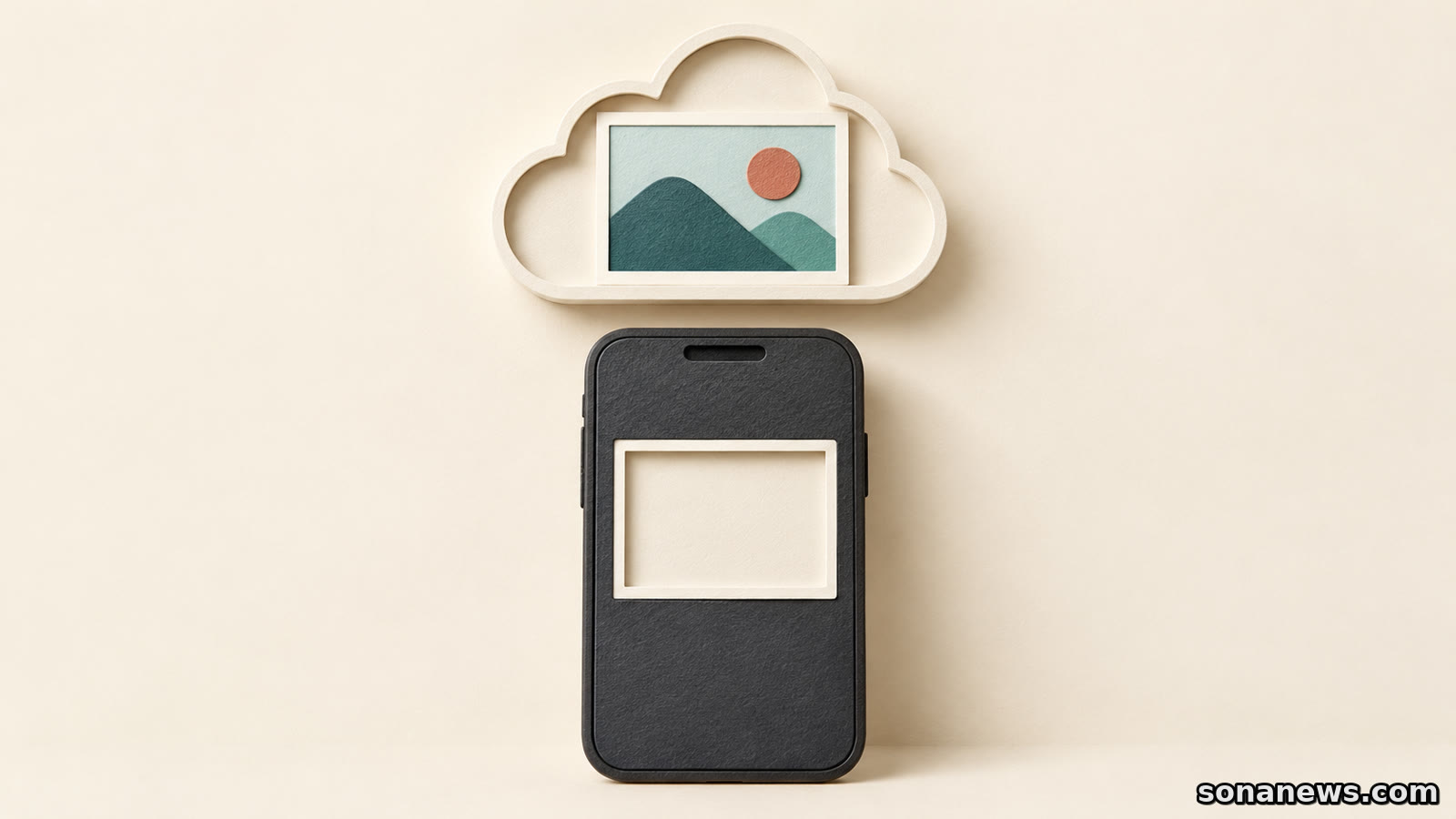

Your Android phone is running short of space, but the pictures are already in Google Photos. Deleting a few looks like an obvious fix. The catch is that Google Photos offers different commands for removing a phone copy and deleting an item from the library. They do not have the same consequences.
Google's guidance draws a clear distinction. “Free up space on this device” removes local copies of photos and videos that have been backed up. Using the ordinary trash command in Google Photos deletes the Google Photos copy as well as the device copy, and can remove the same backed-up content from other devices with backup turned on.
This is an explanation of existing Android features, not a newly announced change. The useful starting question is not simply which pictures to remove. It is whether you need more room on the phone, more storage in your Google Account, or fewer pictures in the library.
Seeing a picture in the Google Photos app is not proof that it is backed up. Google's backup guide says the app displays photos and videos stored directly on the device, regardless of which Google Account is signed in. A visible thumbnail can therefore be a local file rather than evidence of a cloud copy.
Check the account selected in the app and the backup status. Google says “Backup complete” appears when the items finish uploading. For a particular photo or video, open it, use More and About, then inspect the Details section for its backup status. That is a more useful check than recognising the picture in the main grid.
Folders matter too. Android users can choose which device folders are backed up, including whether new folders are included automatically. Do not assume that enabling camera backup also covers every image saved by another app. Check the folders containing the files you want to keep.
Google Account storage is shared across services including Photos, Drive and Gmail. If that storage is full, new photos and videos cannot be backed up. Clearing space on the phone does not, by itself, solve a full cloud account.
Once the backup is confirmed, Google's documented Android route is to open Google Photos, tap the account profile picture or initial, and choose “Free up space on this device”. The app shows how much space it can free before the removal is confirmed.
This is a device-storage operation. It removes eligible local copies while leaving the backed-up items accessible in Google Photos and at photos.google.com. It does not remove the corresponding cloud copies to reduce your Google Account's storage usage.
There is a practical trade-off. Google says the removed items will no longer be available in the phone's built-in gallery or when you are offline. They also will not be visible through Google Photos when you are not signed in. A picture remaining in the app's online library should not be confused with a file still stored on the handset.
Before clearing a batch, consider which pictures or videos you need without a connection. Google's download instructions let Android users select an item, open More and choose Download. That option does not appear if the item is already on the device. Downloading a copy also uses device storage again: that is the trade-off, not a fault.
Google's deletion guidance warns that deleting photos and videos in its app deletes the same items from the device. For backed-up items, the same content is deleted on devices where backup is turned on. The effects also extend to Google Photos albums and shared albums or conversations to which you added the item.
The trash button is therefore not a substitute for “Free up space” when the aim is to keep the online library intact. The distinction is about which copy you are removing, not how many items you select.
For an individual local copy, Google documents a separate “Delete from device” command under the item's More menu. Confirm that the item is backed up before using that route if you intend to preserve it online. A device-only removal command cannot create a backup that did not already exist.
Deleted content may be recoverable from trash before permanent deletion, but trash is not a backup strategy. Google says permanently deleted photos and videos cannot be restored, including through Google Takeout. Do not empty trash as an experiment to discover which storage a command affects.
Another nearby label addresses a different problem. Google's “Manage storage” guidance explicitly says that this tool manages storage associated with the Google Account. It can suggest categories such as large photos and videos for review and deletion.
That is not the same as removing backed-up copies from the handset. If the warning concerns account storage, reviewing cloud content may be relevant, but deleting from the library has the consequences described above. If the warning concerns the phone, cloud-account cleanup is not automatically the right response.
Nor does every deletion necessarily recover account space. Google lists exceptions for items that do not count towards the quota, including some older uploads and certain device-specific backup arrangements. Check what the storage tool actually reports rather than estimating savings from the number of thumbnails removed.
The simplest distinction to keep is this: phone space, cloud storage and library contents are related, but they are not interchangeable. Identify the storage problem, verify the backup account and status, then read the confirmation for the specific command. The important detail is not whether a picture disappears from one view. It is where the copy you intend to keep will remain.
Editorial note. This is general technology information, not a data-recovery service. Verify the backup and account before removing local files, and retain an independent copy of irreplaceable material. Menu wording can vary with the app version and device.
Sources
- Google Photos Help, “Free up space on your device”, Android phone and tablet version, retrieved 17 October 2026. Verifies the device-space command, prior-backup requirement, retained cloud access, and loss of built-in-gallery/offline access to removed copies. Not presented as a newly released feature
- Google Photos Help, “Delete photos & videos”, Android version, retrieved 17 October 2026. Verifies ordinary deletion across Google Photos and devices with backup enabled, album effects, the separate Delete from device command and inability to recover permanently deleted items with Takeout. No fixed trash-retention promise or cloud-only deletion workaround is given
- Google Photos Help, “Back up photos & videos”, Android version, retrieved 17 October 2026. Verifies Backup complete, individual Details status, account selection, device-folder choices, shared account storage and the distinction between locally visible files and backed-up media. The article does not repeat the source's promotional “Never lose a memory” claim
- Google Photos Help, “Manage your storage”, Android version, retrieved 17 October 2026. Verifies that management concerns Google Account storage, the effect of a full account on backup, suggested cleanup categories and quota-exempt items. No paid plan is recommended
- Google Photos Help, “Download photos or videos to your device”, Android version, retrieved 17 October 2026. Verifies More > Download and the absence of that option when a file is already on the device. Not an assurance that all formats work in every other app
Help us improve
Was this article useful?
One anonymous tap helps Sona improve future reporting, headlines and source context.
Up next

Google's planned Chrome 154 default targets insecure public connections, including redirect hops. A secure destination alone does not fix the whole route.
Continue readingMore in Tech