HDMI's Ultra96 name is not a 96Gbps promise for every device
The feature name can cover devices rated at 64, 80 or 96Gbps. Checking the port specification and the cable's certification answers two different questions.
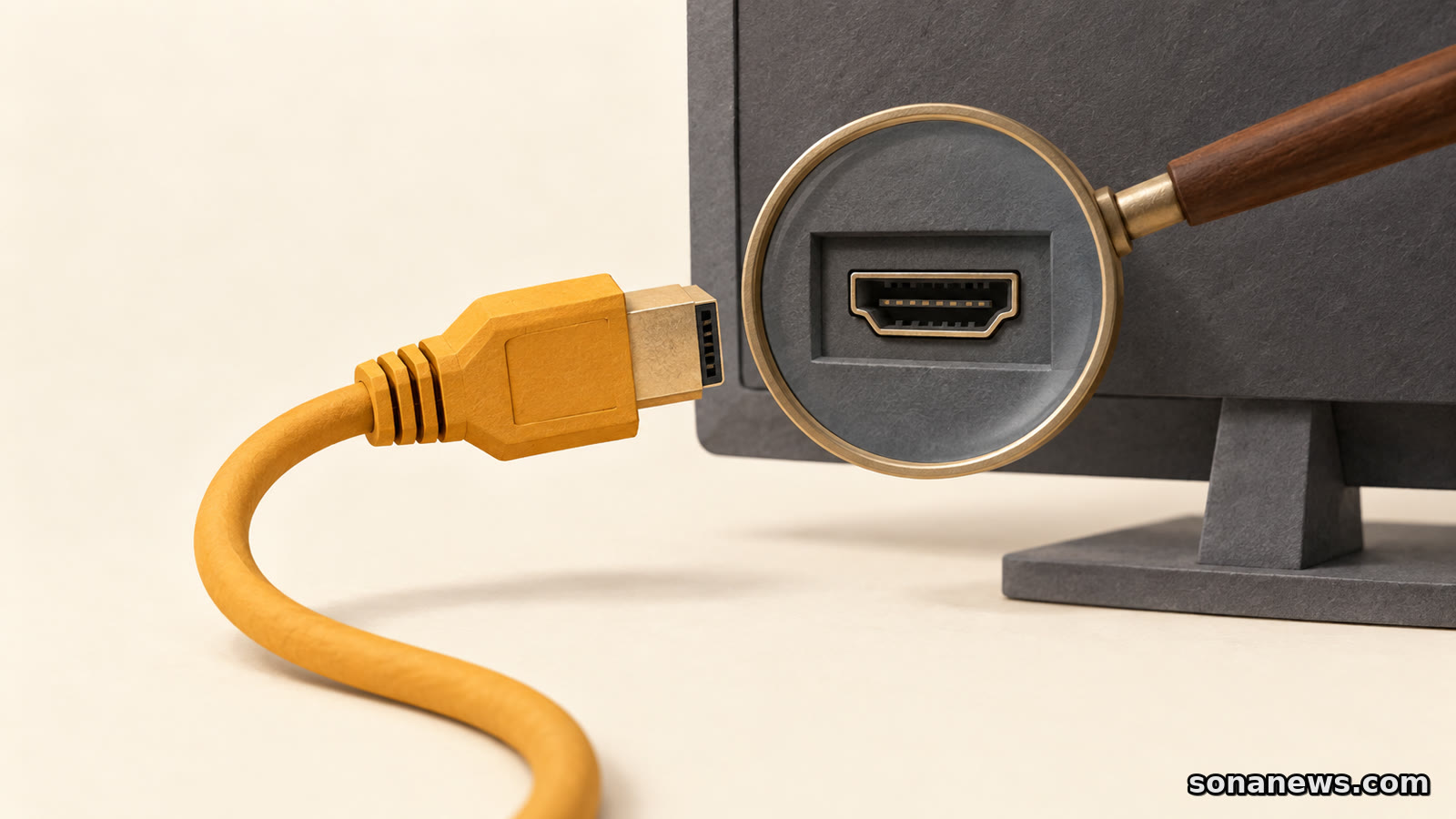

A display advertised with Ultra96 sounds as though it must have a 96Gbps HDMI connection. That is not what the name guarantees.
HDMI Licensing Administrator's definition allows manufacturers to use the Ultra96 feature name for products with a maximum bandwidth of 64Gbps, 80Gbps or 96Gbps. The matching Ultra96 HDMI Cable supports up to 96Gbps. The same name therefore appears in two related places without making the same promise about both.
For someone comparing a monitor, television or source device, that is a useful distinction to settle before buying a cable. The cable must be capable of carrying the connection's traffic, but a higher-rated lead does not increase the bandwidth supported by the equipment at either end.
This is not a newly announced standard or a reason to replace a working setup. HDMI Forum released the HDMI 2.2 specification in June 2025. Its current documentation provides a practical way to read the marketing: identify the device's actual capabilities, then choose and verify the appropriate cable.
On a device, Ultra96 is a feature name. HDMI Licensing Administrator says manufacturers may place it beside a port, in specifications, in marketing material or on packaging. Its use is encouraged, not mandatory. An absent mark does not, on its own, establish a device's maximum bandwidth either.
On a cable, Ultra96 HDMI Cable is an official cable designation tied to a certification programme. It supports up to 96Gbps and all HDMI 2.2 applications. The existing Ultra High Speed HDMI Cable remains applicable to system configurations with a maximum bandwidth of up to 48Gbps.
The first check is therefore the manufacturer's specification for the device and connection being used. A socket's shape cannot establish its bandwidth. The second check is the cable category and certification. A cable label cannot substitute for the first check, and a device's Ultra96 name cannot authenticate the cable in a shopping basket.
Consider a product whose specification states an 80Gbps maximum and uses the Ultra96 name. That is consistent with the official definition. Pairing it with an Ultra96 HDMI Cable supports the cable side of that requirement; it does not turn the product into a 96Gbps device. This is an illustration of the naming rule, not a test of a particular model.
Bandwidth is only one part of a useful specification. Resolution, refresh rate, colour format and compression also matter. The HDMI 2.2 documentation distinguishes uncompressed and compressed modes, and says manufacturers can implement either or both.
That makes a large resolution claim a poor shopping checklist on its own. Two descriptions that both mention a high-resolution display may refer to different refresh rates or compression modes. The relevant question is whether the source device, connection and display support the particular combination you intend to use.
For a PC and monitor, that means checking the manufacturer's supported output and input modes rather than reading the cable packet as a promise about frame rate. With an audio-video receiver or another device in the signal path, its supported pass-through modes also belong in the check. The cable is one component in that route, not a way around the other components' limits.
The specification's headline capabilities should not be mistaken for a list of features implemented by every product. HDMI Licensing Administrator's own marketing rules say a version number cannot, by itself, define a product's capabilities. It also says version numbers are not allowed in the labelling, packaging or promotion of cable products. Official cable names are the more useful reference than a seller's bare “HDMI 2.2 cable” description.
Both Ultra96 HDMI Cable and Ultra High Speed HDMI Cable are part of the mandatory Ultra HDMI Cable Certification Program. The official programme requires testing at an HDMI Forum Authorised Testing Centre and a certification label on each package or unit of sale.
HDMI Forum says each model length must be tested and certified. That detail matters when a product listing offers several lengths under one broad name. Evidence for one variant is not automatically evidence for every longer or shorter option a seller offers.
HDMI Licensing Administrator says the packaging label can be scanned with a standard QR-code app. Its verification information identifies the brand, model number and length. Those details can be compared with the item being purchased. The official cable name must also appear on the outer cable jacket.
For online shopping, optional verification banners offer a similar check before delivery. Clicking or scanning the banner displays the brand, model and length. A listing without that optional banner is not automatically counterfeit, but a generic certification claim is less useful than a result identifying the exact product.
These are the certification scheme's checks, not independent Sona performance tests. We have not tested cable samples, verified a particular retailer's stock or established which models are available in each country.
The official documentation says Ultra96 cables can work with existing HDMI devices. Backward compatibility is useful, but it does not promise that an older television or computer will acquire new display modes when a different lead is plugged in.
Likewise, the continued role of Ultra High Speed HDMI Cable matters. The organisation behind the specification still identifies it as the cable for system configurations supporting up to 48Gbps. Ultra96's arrival does not make that category disappear or prove that a functioning connection needs replacement.
Before ordering, the useful information is concrete: the required display mode, the relevant devices' supported capabilities, the appropriate cable category and verification for the exact model and length. If a listing supplies only a large number and a version label, it has left important questions unanswered.
Ultra96 can help identify the right cable. It just cannot tell the whole story about the equipment attached to it.
Sources
- HDMI Licensing Administrator, “Ultra96 Feature Name”, retrieved 15 September 2026. Primary definition verifies 64Gbps, 80Gbps or 96Gbps device maxima, the matching cable requirement and possible placement of the feature name
- HDMI Licensing Administrator, “HDMI 2.2 Specification Technology Overview” and detailed FAQ, retrieved in full 15 September 2026. Verifies optional use of the Ultra96 feature name, backwards compatibility, compressed and uncompressed modes, device-capability caveats, and the rule against cable version-number marketing. The page's introductory summary and detailed capability list differ in their maximum resolution wording; the article does not repeat a headline maximum-resolution claim
- HDMI Licensing Administrator, “Ultra96 HDMI Cable and Ultra High Speed HDMI Cable”, retrieved 15 September 2026. Verifies the certification programme, 96Gbps and 48Gbps cable categories, packaging and jacket identification, standard QR-code scanning and optional online banners identifying brand, model and length
- HDMI Forum, “HDMI Forum Releases Version 2.2 of the HDMI Specification”, published 25 June 2025, retrieved 15 September 2026. Verifies the historical release date, device-name bandwidth range and certification of each cable model length. This is standards-body evidence, not independent testing or proof of current retail availability
Help us improve
Was this article useful?
One anonymous tap helps Sona improve future reporting, headlines and source context.
Up next
Intune Remote Help can now let an authorised helper open a separate session on a managed corporate PC without the employee being there. The controls are real, but they need deliberate setup.
Continue readingMore in Tech