Microsoft's unattended Windows support needs a tighter permission list
Intune Remote Help can now let an authorised helper open a separate session on a managed corporate PC without the employee being there. The controls are real, but they need deliberate setup.
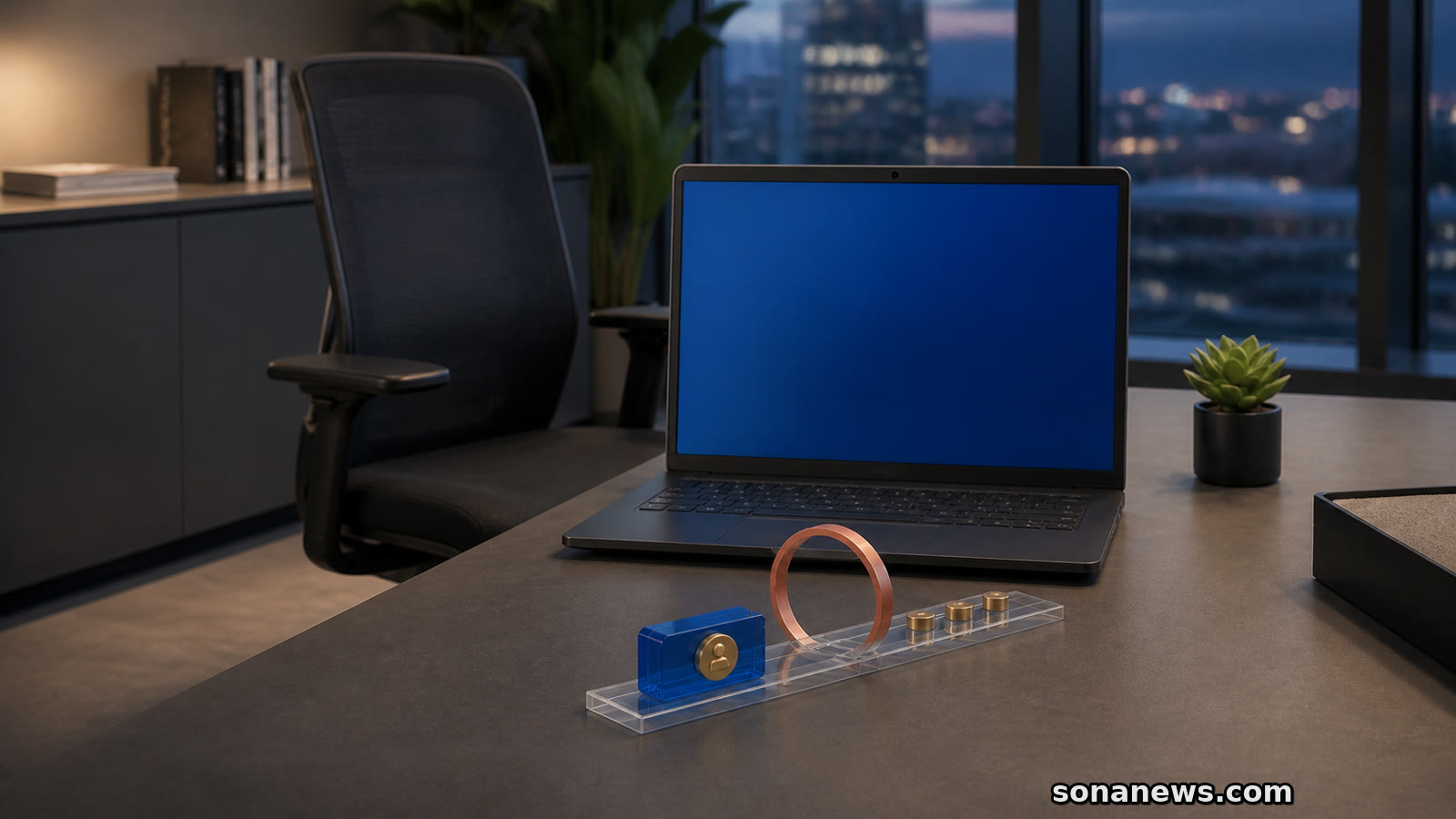

An empty desk is no longer necessarily a barrier to an enterprise support session.
Microsoft's current Intune documentation now lists unattended remote sign-in for Windows as a Remote Help capability. An authorised helper can sign in with their own credentials and troubleshoot a corporate computer without the employee being present or already signed in.
That sounds like conventional remote control with the consent step removed. The practical boundaries are more specific. Microsoft says the feature creates a separate authenticated Windows session, starts from the Intune admin centre, and applies only to physical, corporate-owned, Intune-managed Windows devices.
The useful question for an organisation is therefore not simply whether the feature exists. It is who receives the permission, which devices sit inside that scope, and what evidence remains after a session ends.
Remote Help is an enterprise service, not a new consumer back door. It must be enabled for the tenant, and Microsoft says helpers and supported users operate inside the same Microsoft Entra tenant. The unattended Windows path does not cover an employee's unmanaged home laptop, an outside customer's computer or a device in another organisation.
It also does not reuse the employee's open desktop. Microsoft's overview says the helper signs in with their own organisational credentials and receives a separate Windows session. That distinction makes the identity of the support worker part of the access record rather than disguising the work as activity by the absent user.
For employees, the boundary is reassuring but worth understanding. If a stranger claims that Microsoft can now enter any personal PC silently, that is not what Intune's documentation describes. For managed workplace devices, however, support may happen while the usual user is away. That policy deserves a clear explanation before a rollout, not only a line in an administrator console.
Microsoft exposes a specific Intune permission called “Windows unattended control remote sign-in”. Its planning guide recommends placing it in a dedicated custom role, assigning it only to authorised support personnel such as senior administrators, and limiting the role to device groups that actually require unattended service.
That is a stronger design than giving every help-desk account the broadest available control. A first-line operator who only needs to view a screen during an attended call does not automatically need a route into an empty workstation. Scope is part of the security control, not an administrative tidying task.
The same guide recommends multifactor authentication or compliant-device requirements for helper accounts. There is an important implementation detail to test rather than assume: Microsoft's platform overview says the Conditional Access controls described for sessions accepted by an end user do not apply to unattended access. Its planning guidance still recommends Conditional Access for helpers. Administrators should confirm how their exact helper sign-in and unattended-session policies interact before broad deployment.
A sensible pilot would use a small support group, a narrow set of test devices and a review of every role assignment. It should also include a compromised-helper scenario: if one support account is taken over, how many unattended machines could that identity reach?
Microsoft says Intune can show active Remote Help sessions and historical details including who helped whom, on which device and for how long. Remote Help also creates Intune audit entries, while session details are written to Windows event logs on the helper and supported devices.
The planning documentation says Microsoft stores a limited set of session metadata for 30 days. That includes start and end times, participants, the device and features used. It also says the service does not store session recordings and that Microsoft cannot view the actions or keystrokes inside a session.
Those limits matter in both directions. The records can establish that a support session occurred and identify the helper, but they are not a frame-by-frame account of every change. Organisations handling sensitive systems may need their own change ticket, command logging or post-session validation alongside the built-in audit trail.
Microsoft also says users cannot observe the actions performed by support personnel during an unattended session, although they are notified while such a session is active. That makes clear internal notice and a defined use policy especially important. “Audited” should not be used as a substitute for explaining when unattended access is allowed.
Remote Help is an advanced Intune capability rather than a feature included automatically with every Windows installation. Microsoft's planning page says a Remote Help licence is required for each targeted helper and user, and its licensing documentation places Remote Help in Intune Plan 2 and the Intune Suite, alongside other purchasing routes.
The feature is also not enabled by the announcement alone. Administrators still have to license it, configure the tenant, deploy the appropriate Remote Help application, assign permissions and select device scopes.
For an organisation that decides to use it, the most useful checklist is short: create a dedicated unattended-support role, keep the device group narrow, protect helper identities, tell employees what an active session means, inspect audit records during the pilot, and remove access that is not being used.
Unattended support can shorten the time needed to repair a locked or idle workplace computer. It also turns a support role into a route that works without the employee's immediate participation. The capability is not inherently covert or uncontrolled, but its safety depends on treating that route as privileged access rather than ordinary help-desk convenience.
Editorial note. This is general enterprise-technology reporting, not an instruction to grant remote-access permissions. Administrators should verify Microsoft's current licensing, role, device-scope and Conditional Access documentation in a test group before enabling unattended control. Employees should use their organisation's documented support channel and should not install remote-access software or share credentials in response to an unsolicited request.
Sources
- Microsoft Security Blog, “What's new in Microsoft Security: August 2026”, published 27 August 2026 and extracted 1 September 2026. Verified Microsoft's announcement that Windows Unattended Support with Remote Sign-In allows authorised staff to sign in without involving the user, with role permissions, compliance checks and auditing
- Microsoft Learn, “Use Remote Help with Microsoft Intune”, updated 25 August 2026 and extracted 1 September 2026. Verified the separate authenticated session, physical corporate-owned enrolled-device limit, helper identity, admin-centre initiation, active and past-session reporting, and the Conditional Access distinction for unattended access
- Microsoft Learn, “Planning for Remote Help with Microsoft Intune”, updated 25 August 2026 and extracted 1 September 2026. Verified dedicated-role and narrow-scope recommendations, same-tenant requirement, privacy notice, explicit Windows unattended-control permission, licence requirements, 30-day metadata, event logs and no session recordings
- Microsoft Learn, “Microsoft Intune licensing”, updated 6 August 2026 and extracted 1 September 2026. Verified that Remote Help is an advanced capability associated with Intune Plan 2 and the Intune Suite, subject to current bundle and user requirements
Help us improve
Was this article useful?
One anonymous tap helps Sona improve future reporting, headlines and source context.
Up next

A working charging connection does not prove that a USB-C cable or port supports video. Check the display path before buying another adapter.
Continue readingMore in Tech