Buying a Chromebook? Its update clock does not start at checkout
Google's ten-year update policy runs from a platform's release, not your purchase. Check the exact model and whether extended support removes Android apps.
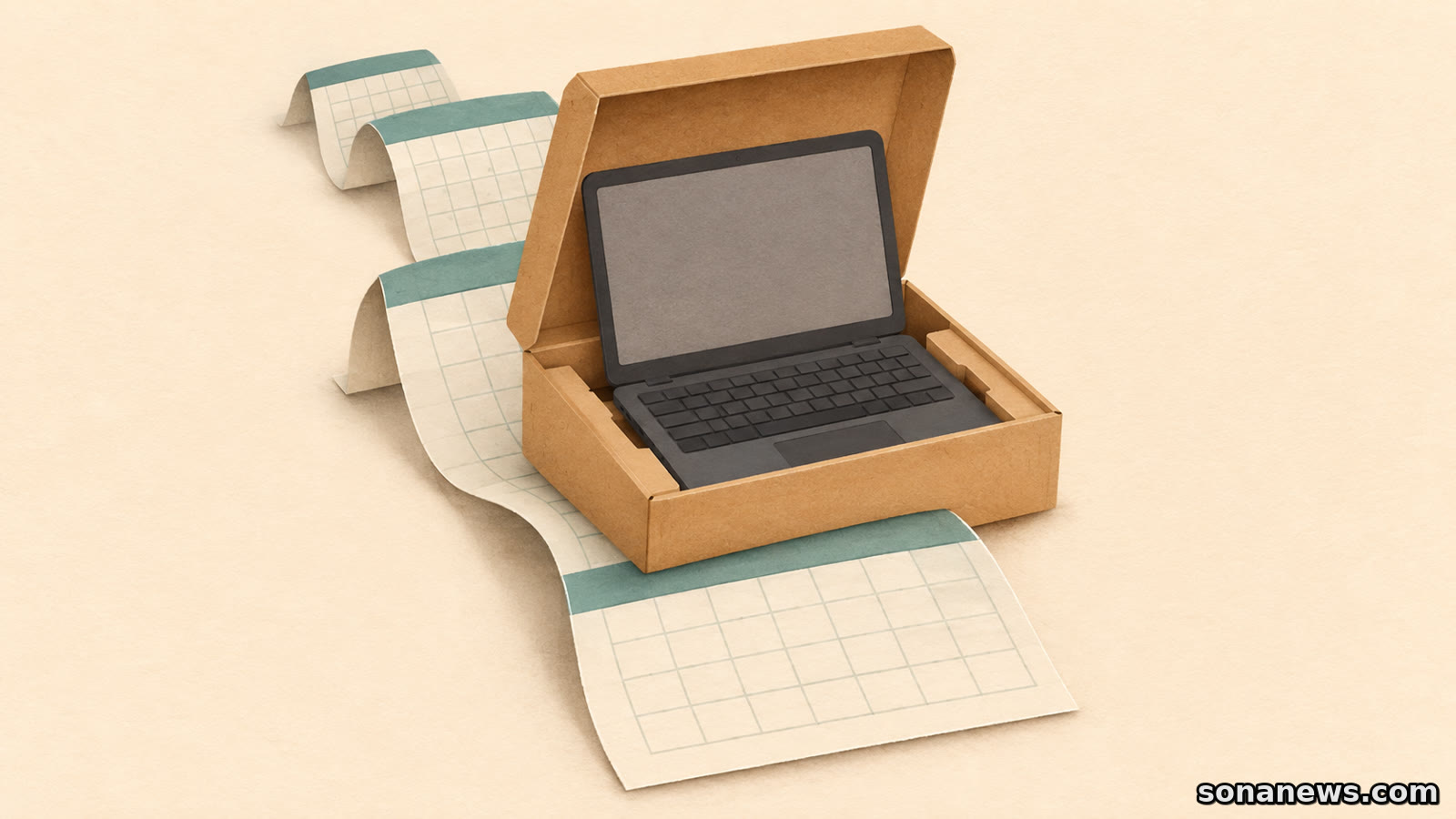

A Chromebook can be new in its box without having a new ten-year update period ahead of it. Google's support clock runs from the release of the hardware platform, not the day someone buys the laptop. That makes the update expiry a useful check alongside the price, memory and condition, particularly for older stock or a refurbished machine.
The practical question is not simply whether the listing says "ten years of updates". It is which month and year Google lists for that exact model, and whether reaching that date involves accepting a change in features. On some older Chromebooks, the final years of support require an irreversible choice that removes Android apps and the Google Play Store.
Match the model, not just the family name
Google's current Auto Update policy says ChromeOS devices receive ten years of updates from the platform release date. It describes a platform as a set of components, such as the processor and Wi-Fi hardware, chosen to work together. That is not the same thing as the age of an individual laptop or the date a seller put it on a shelf.
The official policy page has a manufacturer-by-manufacturer table headed "Automatic updates until". Find the full product name and model code there before treating a sales claim as a support promise. A broad family name may cover machines with different deadlines.
For example, the table checked for this article lists the ASUS Chromebook CX1 (CX1400CNA) with updates until June 2027, marked with an asterisk. The CX1 (CX1400CKA) is listed until June 2031, without that marker. Those similar-looking codes are not interchangeable. These are examples of why the suffix matters, not recommendations to buy either model or claims about their current prices.
If an online listing supplies only "Chromebook CX1", ask for the complete model identifier before deciding. Keep the exact table entry with the product details you are comparing. Google's separate update-schedule guidance also says a manufacturer's "End of Sale" date is not related to eligibility for Google updates. Being on sale, or no longer being on sale, does not establish the support deadline.
Check the date on the device as well
When you can inspect the Chromebook, Google documents a direct route to its update schedule. Open Settings, choose About ChromeOS, then Additional details. The Update schedule section shows when the Chromebook will receive its last update.
For a second-hand purchase, asking the seller to show that section is more informative than relying on a general claim that the laptop is "up to date". Having the latest update available today is a different question from how long updates will continue. The model code and the schedule should tell a consistent story.
This check is specifically about software support. It does not establish battery condition, physical condition or the terms of a seller's warranty. Nor should a remaining update period be read as a guarantee that every app will keep meeting a buyer's needs throughout it. Keep those questions separate rather than making one date stand in for the whole purchase decision.
Read the asterisk before relying on extended support
Some models in Google's table have an asterisk beside their final support date. Google says those systems require an opt-in to receive extended updates during the final years of support. Its consumer guidance describes this option for eligible Chromebooks released before 2021. It is not a blanket extension available to every old Chromebook.
The trade-off is substantial if Android apps are part of the reason for buying. Extended updates continue security, performance and stability support, but remove Android apps and the Google Play Store from the device. Google says opting in is irreversible and erases all on-device Android apps and their associated data.
Before choosing that path, check whether anything needed is stored inside those apps and whether there is a suitable way to preserve it. Do not assume that continuing ChromeOS support also preserves the Android environment. A browser-based alternative may suit a particular task, but this policy does not promise that an equivalent exists for every app.
Google says apps and data on other ChromeOS and Android devices are not affected by the opt-in. It also says Google Play subscriptions must be managed through the web afterwards. Removing the Play Store from this Chromebook is therefore not a reason to assume subscription administration has taken care of itself.
Declining the extension is not a way to keep both options indefinitely. Google's guidance says automatic updates will not continue if the owner does not opt in. Android apps and the Play Store remain on the device, but developers may stop supporting it over time.
Expiry is not a switch that turns the laptop off
Google's "Final software update" guidance says a device receiving that notification will no longer get ChromeOS and browser updates. That includes security fixes, bug fixes and new features. Existing features may stop working, and some apps depend on particular ChromeOS or browser versions.
The deadline is not described as an automatic shutdown. Google says verified boot remains even after automatic updates end, checking the system when it starts and repairing tampering where possible. That retained protection should not be confused with continued delivery of new security patches. Equally, expiry is not evidence that a particular machine has already been compromised.
For a prospective buyer, the useful comparison is the remaining supported period for the exact device, with any extended-update conditions understood. For an existing owner, the same check gives time to plan rather than being surprised by the final notification. Before paying for a Chromebook, establish three things: the full model code, its listed update deadline and what accepting extended updates would remove. A sealed box or a fresh receipt cannot answer those questions.
Sources
- Google Chrome Enterprise and Education Help, "Auto Update policy", retrieved 23 November 2026. Verifies the platform-based ten-year period, definition of platform, model-specific table and extension markers. Exact inspected examples: ASUS Chromebook CX1 (CX1400CNA), Jun 2027*; CX1 (CX1400CKA), Jun 2031. These are support listings, not evidence of retail stock or prices
- Google Chromebook Help, "Check your Chromebook's update schedule", retrieved 23 November 2026. Verifies the Settings route, final-update consequences, retained verified boot and separation of End of Sale from Google update eligibility
- Google Chromebook Help, "Extended updates support", retrieved 23 November 2026. Verifies eligible pre-2021 devices, asterisk and opt-in, irreversibility, removal of Android apps, on-device Android data and Play Store, web subscription management, unaffected other devices, and the consequences of not opting in
Help us improve
Was this article useful?
One anonymous tap helps Sona improve future reporting, headlines and source context.
Up next
If two external monitors show the same thing, the small box between them and your PC may be doing exactly what it was designed to do.
Continue readingMore in Tech