Two drives in your NAS do not automatically make a backup
A RAID mirror can keep files available when a drive fails. Recovering a deleted folder, or losing the whole box, needs a different kind of protection.
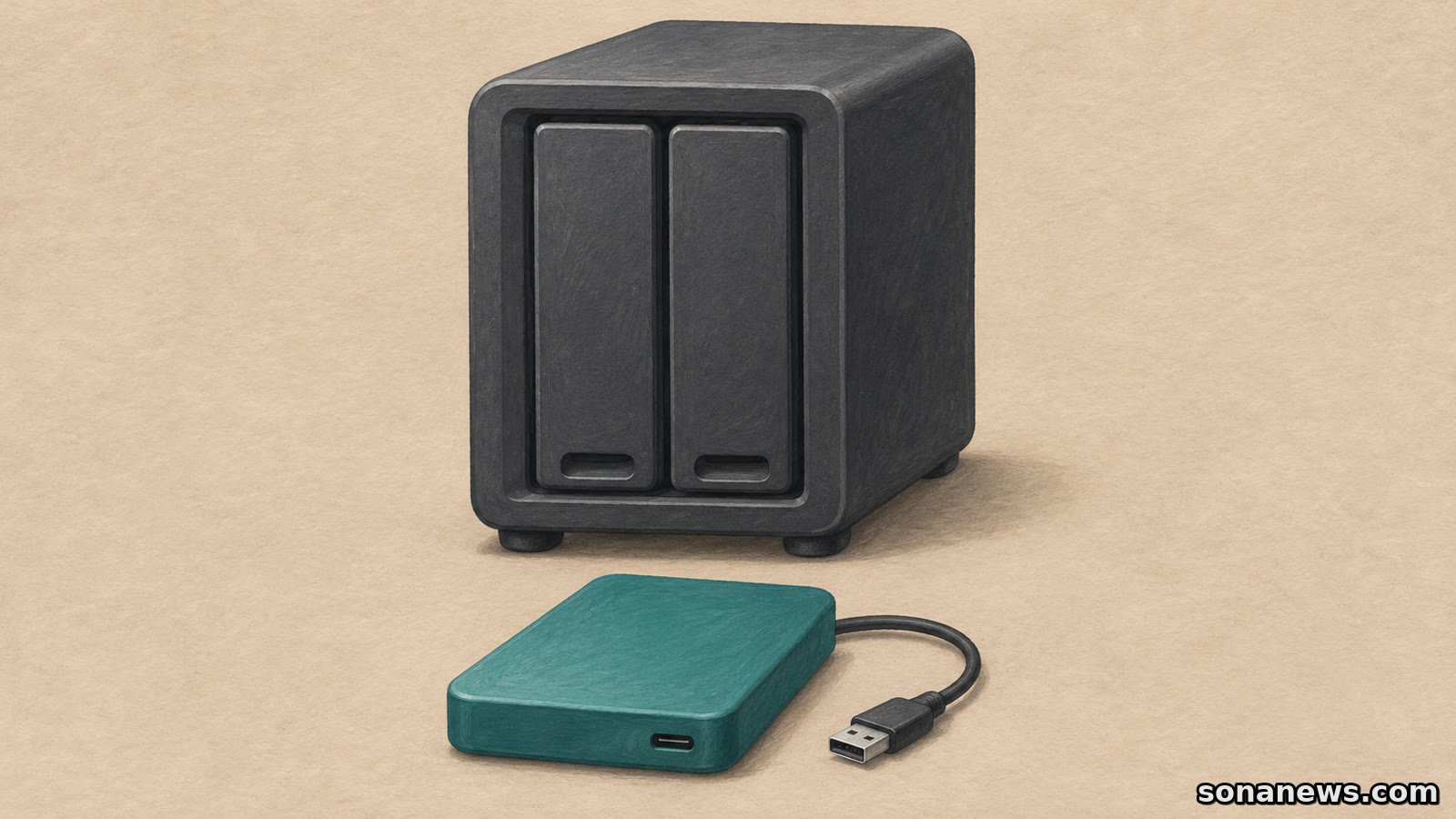

A second drive inside a home storage box can look reassuring. There are two disks holding the family photographs or work files, so surely one is the backup. With a RAID mirror, that is the wrong conclusion: the extra disk helps the storage system survive a drive failure, not recover every file you wish you had kept.
The distinction matters for anyone moving their only copy of a folder onto a network-attached storage device, usually called a NAS. The box may have redundancy while the household has no independent backup at all. QNAP's explanation is explicit: RAID is not a backup, and accidental deletion, file corruption and theft are among the risks it does not solve.
This is an established storage distinction, not a newly discovered fault. Before buying another disk or changing a setting, ask a more useful question: what would let you recover the files if the problem were not a failed drive?
A mirror protects a working volume, not its history
RAID combines multiple drives into a storage arrangement. Different RAID modes do different jobs, so the presence of two disks is not enough to establish what protection is enabled. Seagate's NAS OS manual describes RAID 1 as writing the same data to the drives in the volume. In a standard two-drive mirror, the remaining drive can keep the data available if one fails.
That is valuable. It can spare users the immediate loss of access that a single failed disk would otherwise cause. But the two members of a mirror belong to the same working storage system. The second member is not a separately dated archive that deliberately preserves yesterday's folder after you remove it today.
Nor does every RAID mode provide that drive-failure protection. Seagate distinguishes RAID 0, which lacks redundancy, from protected arrangements. Check the actual storage configuration rather than counting bays or assuming the word RAID always means a mirror. The manual describes particular NAS OS options; it is not a setup guide for every current device.
The location of the original changes the answer
A NAS can be a perfectly useful backup destination. If a computer retains the original files and a backup job copies them to the NAS, the box has a different role from a NAS holding the household's only working copy. QNAP itself gives keeping an original on a computer and another copy on a RAID-equipped NAS as an example.
The distinction becomes easy to miss when clearing space. Moving a photograph library off a laptop and then removing it from the laptop changes where the original lives. A mirrored NAS still has its drive redundancy, but those two mirror members have not become two independent backup destinations.
Write down where the working files live and where the recovery copy lives. If both answers point to the same NAS volume, the mirror alone does not resolve the gap. If there is a separate backup, establish what it includes and whether it retains versions from before an unwanted change. The useful inventory is of recoverable copies, not purchased disks.
The whole box is another point of failure
A mirror's drives share an enclosure. Losing that enclosure to theft, fire or another incident is different from losing one disk while the rest of the system remains usable. QNAP lists those broader risks when explaining why RAID and backup are not equivalent, and recommends keeping a copy offsite.
Seagate also recommends backing up NAS data to directly attached storage or another NAS rather than treating the array as sufficient protection. An external drive can therefore have a useful job, but putting it beside the NAS does not make it an offsite copy. Separation from the storage array and separation from the building address different failures.
There is no single destination that settles every question. A recovery plan needs to identify which loss each copy could survive. A spare drive waiting to replace a failed member is also not the same thing as an independent archive of files. Its role is in maintaining or rebuilding the array, not preserving a chosen earlier version.
Reachable backups need protection too
A backup that another system can write to may still be exposed to harmful changes. In its StopRansomware guide, the US Cybersecurity and Infrastructure Security Agency recommends offline, encrypted backups of critical data and regular recovery testing. It explains that ransomware can seek out accessible backups and delete or encrypt them.
That guidance is written for organisations, not as a product endorsement or a claim that every home NAS is infected. Its relevant lesson here is narrower: a second storage destination is not automatically insulated from everything that can affect the first. Whether a backup is reachable, how it is protected and what can alter it matter alongside its location.
Follow the backup system's documented process for disconnecting removable media, protecting access and retaining recovery information. This article is not an incident-response procedure. If files have already vanished or a device reports a failed array, use model-specific support rather than experimenting with drive removal or reinitialisation.
Test the recovery, not just the reassuring label
CISA's recommendation to test backup availability and integrity is a useful final check. A status message saying a job completed does not, by itself, show that the files you need can be restored and opened in the circumstances you are planning for.
A practical, non-destructive check is to use the backup software's documented restore process on a sample file, keeping it separate from the working original. Establish where the copy came from, which version was recovered and what access was needed. Do not delete the original merely to manufacture a test.
A RAID mirror and a backup are complementary, not competing purchases. One can help keep a storage volume available after a drive fails. The other should give you a recovery route for the loss you actually face. The question to leave with is not whether the NAS contains two drives, but whether you can name and use a separate recoverable copy.
Sources
- QNAP, “RAID = Backup?”, originally published 4 March 2015, page also displays 24 April 2020; retrieved 3 November 2026. Establishes the longstanding distinction, drive-failure focus, accidental deletion/corruption/theft/disaster limitations, offsite copying and the computer-original/NAS-copy example. Used as established guidance, not current news
- Seagate, Business Storage NAS OS manual, “RAID modes”, retrieved 3 November 2026. Verifies mirroring, RAID 0's lack of redundancy, replacement-spare role and recommendation to back up to separate storage. The retrieval returned French-language manual content; its RAID 1 description was read directly. Legacy model-specific limits and performance estimates are not generalised
- CISA and partner agencies, “#StopRansomware Guide”, retrieved 3 November 2026. Verifies offline encrypted backups, attacks on accessible backups and regular availability/integrity testing. Organisational guidance is explicitly scoped; no new attack or consumer incident is asserted
Help us improve
Was this article useful?
One anonymous tap helps Sona improve future reporting, headlines and source context.
Up next
An HDMI plug fitting is not enough to send television sound back to a soundbar. Check the audio-return connection at both ends, then the settings for your particular devices.
Continue readingMore in Tech