OneDrive's 'Free up space' is not the same as Delete
On Windows, a file can stay visible without its contents being stored on the PC. The wrong clean-up command can remove it from OneDrive as well.
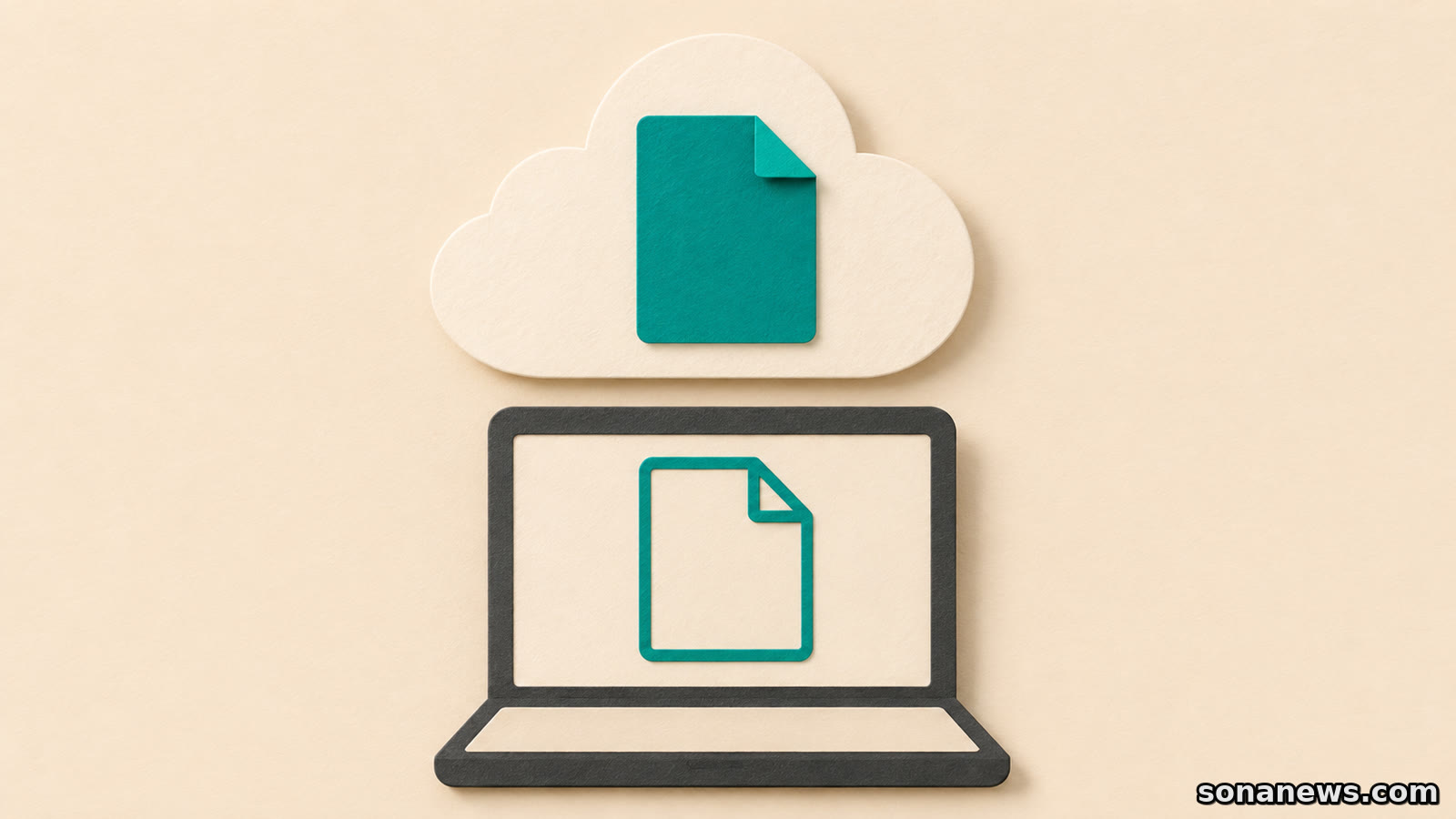

A crowded OneDrive folder does not necessarily mean a crowded computer. In Windows File Explorer, a file can be listed by name even when its contents are stored online rather than downloaded to the PC. That distinction makes one small menu choice important: Free up space is not another name for Delete.
Microsoft's Files On-Demand guidance says that changing a file to online-only leaves it in OneDrive. Deleting an online-only file from the device, by contrast, deletes it from OneDrive online and across devices. The fact that the computer held only a visible entry does not make that entry harmless to remove.
This is established OneDrive behaviour, not a newly announced change. For Windows users trying to reclaim local storage, the useful question is whether they want to remove a download, remove a file from the synced collection, or make room in the cloud account. Those are different jobs.
A visible file is not necessarily a downloaded file
Files On-Demand lets File Explorer show files without downloading all their contents. Microsoft identifies three availability states, each with a different practical consequence.
A blue cloud outline beside a file means it is online-only. You can see it in the folder, but opening it requires an internet connection. Opening an online-only file downloads it and makes it locally available.
A white circle with a green tick means the file is locally available. Its contents are on the device and it can be opened without internet access. Microsoft says that right-clicking it and choosing Free up space changes it back to online-only.
A solid green circle with a white tick identifies a file marked Always keep on this device. It downloads and occupies local storage so it remains available offline. These indicators describe availability, not how important a file is or whether it has a separate archival backup.
The distinction is easy to overlook because all three kinds of file can appear together in the same folder. A list of familiar names is not evidence that every document is ready for a journey without connectivity.
Reclaim the download, not the file
If the aim is to keep a synced file in OneDrive while reducing its local storage use, Microsoft's documented Windows control is Free up space, available by right-clicking the file or folder. That changes its availability rather than deleting the cloud item. It can still be seen on the OneDrive website and in the mobile apps.
That also explains why a successful clean-up need not produce an emptier-looking folder. The visible entry remains useful: it lets you find the file and download it again when needed. Opening it later can consume local space again. Neither result means that the command failed.
Keep the scope of the operation clear. This is about OneDrive Files On-Demand, not permission to delete arbitrary folders from a PC. Before acting on a valuable collection, check which OneDrive account and folder you are viewing, and that the files you expect are accessible in that account online. A work account and a personal account are not interchangeable destinations.
Delete follows the synced file
Microsoft's separate deletion guide distinguishes keeping a file only in OneDrive from removing it both from OneDrive and the computer. For the latter, deleting the item in the synced folder is the relevant action. For the former, the guide points users to Files On-Demand.
An online-only file is not exempt from that deletion behaviour. Microsoft's FAQ explicitly says that deleting one from a device also deletes it from OneDrive online and on all devices. Do not treat the blue cloud as a sign that the local entry is disposable clutter.
Deleted items may be recoverable through the OneDrive recycle bin, but that is a recovery route, not a reason to experiment. If an item has already disappeared, consult Microsoft's restoration guidance before emptying any recycle bin or continuing a large clean-up. This article does not promise that a particular deleted file can be recovered.
Shared items add another reason to pause. Microsoft warns that deleting a shared item can delete it for everyone. Removing access, changing what appears on a device and deleting the underlying item should not be treated as equivalent actions. For organisational files, use the organisation's support process if the ownership or intended result is unclear.
Local space and cloud space are separate questions
Changing a file to online-only does not remove it from OneDrive. It therefore does not solve a full cloud account by making that stored file disappear. It addresses the download on the PC.
Conversely, keeping something always available offline consumes local space. Before an offline work session, select the files you actually need and allow their downloads to finish. Selecting an entire large collection changes the storage requirement, not just the appearance of its icons.
Microsoft also notes that Windows Storage Sense can turn locally available files back into online-only files after the selected time period. Having opened a document once is therefore not the same as deliberately marking it to stay on the device.
Check status before trusting the result
Availability icons are only part of the picture. Microsoft's icon guide says that circular arrows indicate syncing in progress, a pause symbol means files are not currently syncing, and a red circle with a white cross indicates a sync problem. A file name alone cannot tell you that the latest changes have reached the cloud.
If there is a warning or unfinished sync, resolve that through the relevant OneDrive guidance rather than using deletion as a troubleshooting shortcut. On a managed work or school computer, the organisation's helpdesk may need to clarify the applicable settings.
The practical distinction is simple enough to keep beside the clean-up task: Free up space removes a local download while retaining the OneDrive file; Always keep on this device reserves local availability; Delete removes the synced item. Decide which outcome you want before choosing the command, not after the folder changes.
Sources
- Microsoft Support, “Save disk space with OneDrive Files On-Demand for Windows”, retrieved 7 November 2026. Verifies online-only/local/always-available states, the two context-menu commands, internet requirements, Storage Sense and deletion across devices. The page contains legacy setup instructions; those are not presented here as a current rollout or recommended OS upgrade path
- Microsoft Support, “Delete files or folders in OneDrive”, retrieved 7 November 2026. Verifies the distinct local/cloud removal outcomes, shared-item consequences and recycle-bin recovery limitations. No guaranteed restoration period is asserted
- Microsoft Support, “What do the OneDrive icons mean?”, retrieved 7 November 2026. Verifies Windows File Explorer availability icons, sync arrows, paused syncing and sync-error indicators. Platform scope is explicitly Windows; macOS icon differences are not generalised
Help us improve
Was this article useful?
One anonymous tap helps Sona improve future reporting, headlines and source context.
Up next
An HDMI plug fitting is not enough to send television sound back to a soundbar. Check the audio-return connection at both ends, then the settings for your particular devices.
Continue readingMore in Tech