Selling a Ring doorbell? Release its account link before handover
Taking a doorbell off the wall does not release it from your Ring account. The transfer, saved recordings and subscription need separate checks.
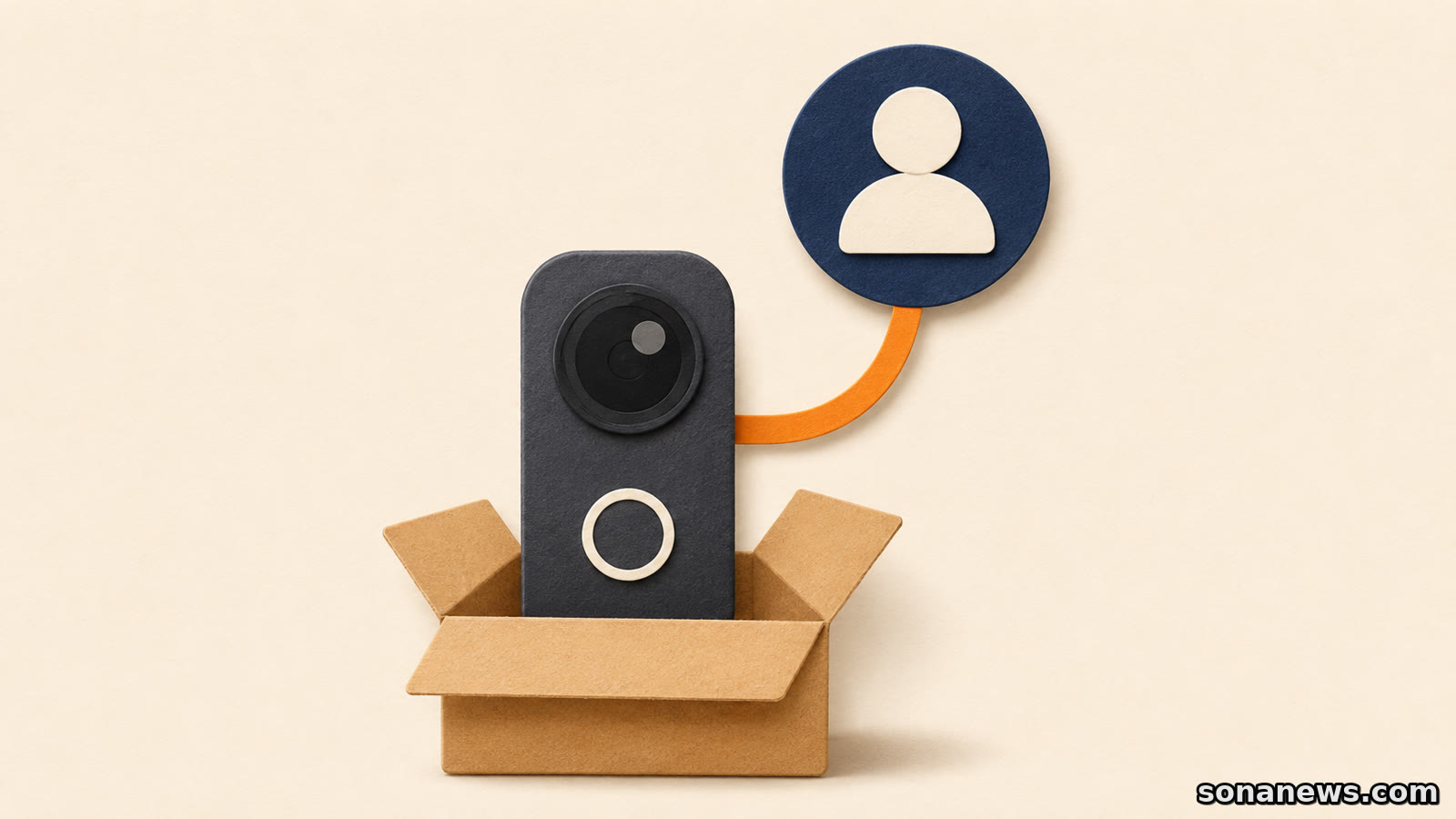

A used Ring doorbell can be packed with its mounting parts and still be attached to the seller's account. Taking it off the wall is not the same as making it ready for someone else to set up. Nor does deleting the Ring app from a phone complete that handover.
Ring's current transfer guidance makes the distinction explicit: releasing a device requires action in the Ring app. Physically uninstalling it, deleting the app or cancelling a subscription does not release ownership. Here, ownership means the platform's device registration, not a ruling about who legally owns the hardware.
For a sale, gift or house move, there are three separate questions: can the next person register the device, what happens to the existing recordings, and does the current subscription still need attention? Treating those as one removal task can leave something unfinished.
Transfer the device, not your login
Ring now documents a Transfer Ownership section in the app's Settings, under Location Details. The existing account owner can create a request, choose the devices and select the option to transfer them to someone else. The flow asks for the new owner's email, but Ring says that step can be skipped when simply removing devices without knowing the next owner.
This is an account-to-account process. It is not an instruction to pass the seller's password to the buyer. The next owner sets up the released hardware on their own Ring account. A Shared User is also not the same as an account owner: Ring says Shared Users can remove their own access, while only the account owner can remove the device.
Update the app before starting. Ring's transfer page specifies supported minimum app versions and warns that older versions no longer support device transfers. If a transfer option fails, an outdated app is one documented possibility, not proof that the hardware is defective.
Check the selected devices before confirming. Ring says a completed transfer cannot be cancelled; putting the device back on the original account requires setting it up again. The sensible handover point is the confirmation of the transfer, rather than the moment the parcel is sealed.
A deactivated tile is not necessarily a failed transfer
After a transfer, Ring says the device appears deactivated in the former owner's app and stays there until deleted. A tile still being visible therefore does not, by itself, mean the handover failed. The account can retain a record of a device that is no longer active on it.
The distinction matters for saved video. Ring's separate removal guidance says deactivating a subscribed doorbell, camera or smart light lets the existing owner view and download its Event History videos until they expire. The new owner can set up the device without access to the previous owner's videos.
Deleting the device is different. Ring says the former owner can no longer view or download that device's Event History after deletion. Its instructions distinguish Keep Events from Delete Events within the removal flow. Anyone who needs existing recordings should review those choices and download the clips they want to keep before losing access.
That is not a promise of permanent storage. Viewing recordings requires a Ring subscription, and the deactivation guidance explicitly limits access to the videos' remaining retention period. Do not treat an old device tile as an indefinite archive.
A second-hand purchase may involve a wait
If setup says the doorbell is registered to someone else, Ring's first recommendation for a purchase or gift is to ask that person to transfer it in the app. If the device is actually yours already, check that you are signing into the account used for its original setup.
When the previous owner cannot be contacted, Ring documents a Request Ownership path during Set Up a Device. The request notifies the existing owner. Sending it is not the same as obtaining an immediately usable doorbell: Ring says the device can remain on the previous account for up to 15 days while the request is processed.
For doorbells, cameras and Chimes, the guidance says the device is automatically removed if the previous owner does not respond during that process. Do not apply that rule to every Ring product. Ring explicitly excludes Alarm, Smart Light, Echo Bridge and Sidewalk devices from automatic removal in that situation.
The app's Transfer Ownership section shows requests and their status. Ring says it sends confirmation when a transferred device is ready to set up, and its customer support cannot expedite release requests. A buyer arranging installation should allow for the possibility of that delay rather than assuming possession of the box means setup can happen immediately.
The subscription is a separate job
Ring states that transferring or deleting a device does not cancel the attached subscription. Conversely, cancelling the subscription does not release device ownership. These are separate controls, even when both are relevant to the same sale.
Moving with your own doorbell is a different situation from leaving it for someone else. Ring's moving guide describes updating the address and reconnecting devices to the new Wi-Fi network. It says an existing subscription can be retained when the address is updated; a move does not inherently require cancellation.
This guide concerns the doorbell handover and related account records, not alarm-monitoring permits or instructions for disconnecting wired equipment. Use the model's installation guidance for physical removal. For the digital part, finish with a short check: transfer confirmed, recording choice understood, subscription reviewed. A complete parcel is useful, but it is not evidence that the account handover is complete.
Sources
- Ring Support, "Transfer ownership of a Ring device", retrieved 14 November 2026. Verifies the app-only release requirement, supported-app requirement, transfer controls, deactivated tile, irreversibility, Shared takeover process, up-to-15-day waiting period, product exceptions and inability of support to expedite release
- Ring Support, "Deactivating or deleting a Ring doorbell, camera, or smart light", retrieved 14 November 2026. Verifies owner versus Shared User permissions, Keep Events and Delete Events, retention until expiry with a subscription, loss of Event History access on deletion, and separation of previous and new owners' videos
- Ring Support, "Moving with your Ring devices", retrieved 14 November 2026. Verifies that uninstalling hardware or the app is not a transfer, removal does not cancel a subscription, and moving with retained devices involves address and network changes. Regional alarm-monitoring services and permits are outside this article
Help us improve
Was this article useful?
One anonymous tap helps Sona improve future reporting, headlines and source context.
Up next

On Windows, a file can stay visible without its contents being stored on the PC. The wrong clean-up command can remove it from OneDrive as well.
Continue readingMore in Tech